
The cancel button is coming - even for apps - and is causing massive uncertainty for app developers
One click on "order" - and the contract is concluded online. Until now, canceling a distance selling contract has often been a hassle for customers because there is no direct "cancel" button, and consumers have to find the necessary information themselves. The legislature now aims to simplify this process. This applies in particular to digital subscription models and app offerings, which are generally concluded as distance selling contracts, since the contract is entered into entirely through digital channels such as apps or websites.

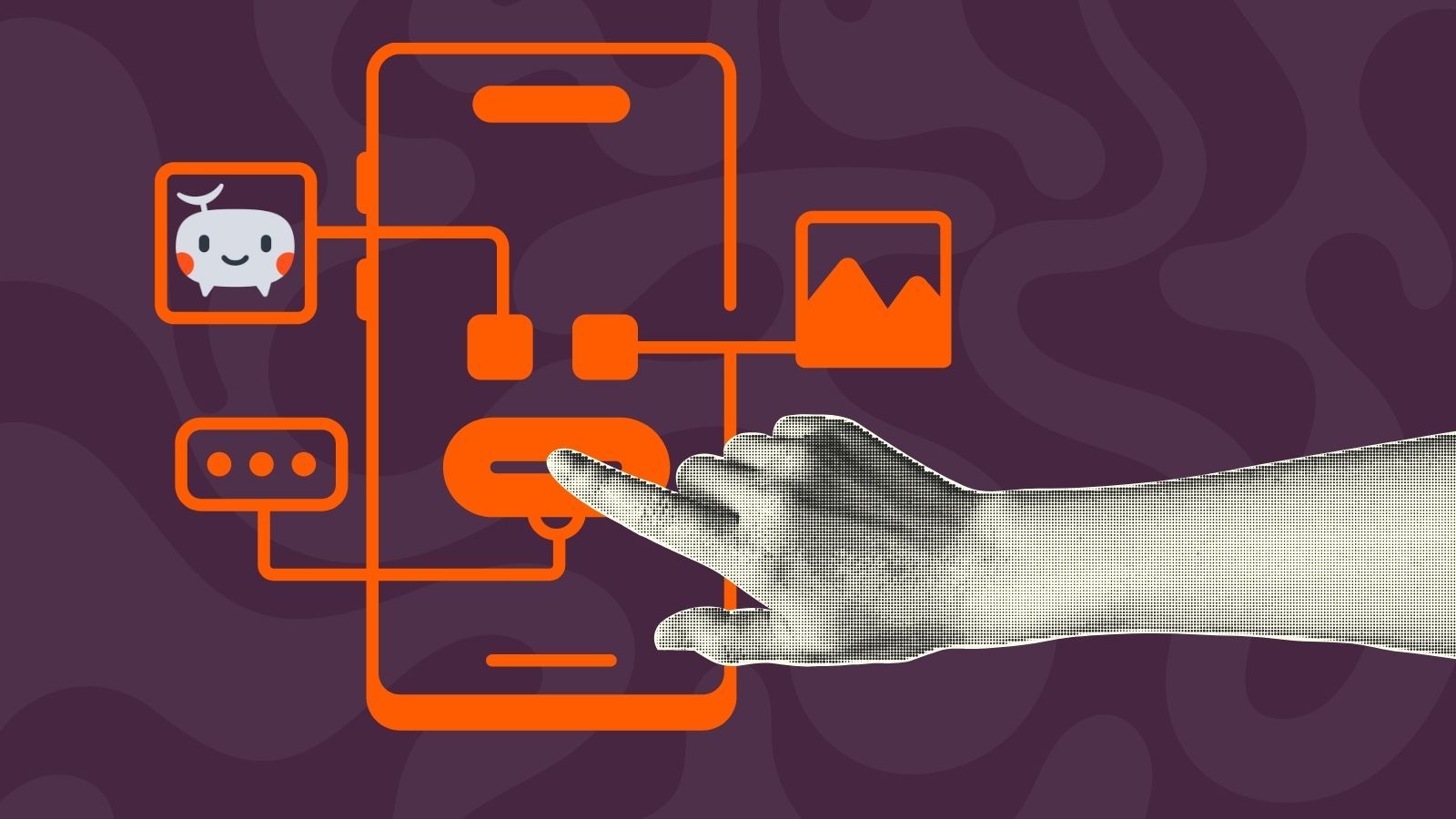
Starting June 19, 2026, app providers must include a cancellation button for paid subscriptions in their apps. This button must be easily accessible for 14 days after each purchase for all users within the EU. We outline the specific steps app developers should now include in their roadmap.
For the vast majority of apps in the App Store, payments are processed through Apple’s own purchase system. This means that refunds must also be processed through this system. To date, Apple has not provided developers with a technical solution that meets the new legal requirements.
Dieser Artikel ist auch auf Deutsch verfügbar.
New regulations for app publishers effective June 2026
By June 19, 2026, at the latest, all companies operating in the digital B2C sector must provide a cancellation button. This requirement is based on the amended German Verbrauchervertragsrechts (= Consumer Contract Law) (BGBl. 2026 I Nr. 28, announced on February 5, 2026), which mandates an electronic cancellation function for distance selling contracts (see new § 356a BGB).
This implements EU Directive 2023/2673, which aims to strengthen consumer protection and provides for the introduction of a “functional and easily accessible” electronic cancellation option across Europe. The reason for this article is the legislative change in Germany, but the issue extends beyond national borders. Anyone selling to EU consumers must prepare for the fact that a cancellation button (or a comparable, clearly defined cancellation process) will become the standard across the EU - not just in Germany.
How to Implement the Cancellation Feature
A brief summary of the four key steps for the cancellation feature:
- The cancellation button must be easy and quick to find
- The necessary information for cancellation must be automatically summarized
- Once the cancellation is confirmed, it is automatically submitted
- The purchase must be reversed immediately
There are numerous explanations online about how the button must be integrated into online stores. However, there are some specific considerations for apps, which we list here.
Step 1: Displaying the Cancellation Button and UX Issues
App providers must ensure that consumers can submit a cancellation notice via a cancellation function on the online user interface (i.e., software, app, or website).
The cancellation function must be clearly legible and labeled “Cancel Contract” or another equivalent, unambiguous phrase. It must be constantly available, well-placed, and easily accessible to consumers on the online user interface throughout the cancellation period (typically 14 days). For businesses, this means that the online user interface (website or app) must be technically designed so that the withdrawal process is simple, transparent, and accessible at all times.
It is clear that the legislature had larger screens in mind here - such as those used for online courses that consumers view on their desktops - because this already presents the first problem for apps: Where should the button be placed? The size of a smartphone screen is limited.
From discussions with app developers who are already working on implementation, we have learned that the button can, for example, be displayed in the same locations where users previously saw the paywall. In any case, it should be integrated into the "Manage Subscription" screen, as that is where users would certainly expect to find it.
Legally, this should hold up. The law firm’s assessment:
“As we understand it, it is not necessary to keep the cancellation button permanently visible in an app - in the sense of a UI element that is always displayed on every screen. Rather, what matters is that the cancellation function is easy to find, clearly visible, and accessible without any detours at any time during the entire cancellation period.”
Step 2: Summary of Information on Cancellation
Under the new § 356a BGB, the legislature mandates a two-step procedure.
Clicking the first button or link should not immediately trigger the cancellation. Instead, consumers should be redirected to a separate page where they will find a cancellation form. The second step should then be triggered by a confirmation function, which must also be clearly legible and labeled in unambiguous language.
The withdrawal function must also enable consumers to submit a notice of withdrawal to the app provider and to easily provide or confirm the following information in or along with the notice of withdrawal:
- Consumer’s name
- Details identifying the contract or part of the contract that the consumer wishes to cancel (e.g., contract number)
- Details of the electronic means of communication to be used to send the consumer a confirmation of receipt of the cancellation (e.g., email)
Once this information has been entered manually or confirmed by the consumer, the online user interface must allow the consumer to submit the notice of withdrawal to the provider via a confirmation function - which must also be clearly marked, for example, with a “Confirm Withdrawal” button.
Those are the legal requirements, but this also poses a major problem for app providers: those who process payments through Apple (and Apple’s guidelines require them to do so) generally know nothing about their users.
App developer Sören comments:
“Apps often have no idea who their users are because everything runs locally on the device and only Apple has the payment data.”
So there is nothing that can be displayed to a user within the cancellation screen unless you request all the necessary information, requiring users to fill out a form. However, this would not meet the legal requirement that cancellation must be just as easy as the purchase, especially when the purchase is made via Apple Pay with a single click (since all the information is already pre-filled due to the integration).
Step 3: Confirmation and Transmission of the Withdrawal
Immediately after viewing the summary of the withdrawal information, consumers - provided they have activated the confirmation function - must be sent a confirmation of receipt on a durable medium that includes the content of the withdrawal notice as well as the date and time of receipt. This is typically done in the form of an automated email. The business must send the confirmation to the consumer without undue delay. The law clarifies that the notice of withdrawal is deemed to have been received in a timely manner as soon as it was sent via the withdrawal function before the expiration of the withdrawal period.
And here, too, app developers face a problem: the withdrawal must be confirmed, even though the processing of the withdrawal - that is, the refund of costs - is entirely beyond the developer’s control, as we will clarify in the next step.
Step 4: Canceling the Purchase
This step involves refunding the payment made. This must be processed promptly. The problem for app operators is that they have no control over the speed of the refund, since the process is handled by Apple or Google’s payment system.
And that brings us back to the long-standing issue of Apple’s strict control over its partnerships with app developers. This is because payment processing for digital content in the Apple App Store is required to go through Apple’s in-app purchase system. Apple acts as the payment processor and contractual partner for the user. In return, Apple charges a commission, typically 30%, or 15% under the Small Business Program. Developers receive the remainder. External payment methods are generally restricted for digital goods but have been partially opened up due to regulatory pressure (e.g., the Digital Markets Act, DMA). Subscriptions often benefit from reduced fees starting in the second year. For physical goods, developers may use their own payment systems. The rules and commissions continue to face strong criticism.
However, the fact that Apple acts as both a payment processor and a contractual partner is also advantageous, as it has allowed many app developers to set up their systems in such a way that they have no direct access to their users’ data. This is an advantage from a data protection regulatory perspective, as it means they do not have to deal with the processing of personal data or payment data. And it is precisely this separation of developers and users that is the policy Apple pursues.
In other words, because of Apple, in-app purchases must be processed through Apple’s system, but because of the cancellation button, you have to handle the payment yourself. It’s like trying to square the circle.
We currently cannot provide any reliable information on how to resolve this dilemma. As of the publication of this article, we are not aware of Apple having commented on the issue of the cancellation button.
Temporary Solution Using Apple StoreKit
Of course, we cannot offer legal advice here, but we have worked with the developers who contributed to this article to come up with a possible workaround.
Through the StoreKit framework, Apple provides a “Manage Subscription” dialog. This could be linked via the new cancellation button. However, the challenges of integrating the button into the app’s design remain, as does the question of how app providers can guarantee that the refund is actually processed within the required timeframe. Additionally, this dialog requires more clicks (tabs) than the law requires. While this is not an ideal solution in the strict sense of the law, it is at least a significant step in the right direction.
Apps can also open Apple's "Manage Subscription" dialog via the StoreKit framework. Use manageSubscriptionsSheet for SwiftUI or showManageSubscriptions for UIKit.
How users can request a refund right now
Currently, the process for disputing a purchase made through the Apple Purchase System is as follows:
- Open the App Store app
- Open your profile (via the profile picture icon)
- Open Apps & Purchase History
- Tap Purchase History
- Click “Report a problem” for the relevant app
- Users are then redirected to their browser, where they log in with their Apple ID.
- Complete the cancellation
Logging in via Apple’s IDMSA system (Step 6) has nothing to do with the app in question and is beyond the control of the app provider.
Summary and Outlook
We believe that this new German interpretation of the directive creates significant uncertainty for app developers. On the one hand, the varying implementations across member states are yet another example of the need for the European Union to better harmonize the “single market” it seeks to achieve. On the other hand, it is unclear whether purchases made through the App Store or the Play Store are even affected by this, since the contractual partners in those cases are Apple and Google, not the app publishers. Thus, while the app providers are responsible for the button, the button’s functionality lies with Apple.
App developers now have the choice of either playing it safe or waiting for the first court rulings: both options are unsatisfactory when there are other things to do.
Contributors
This article is a collaborative effort by experts in the fields of law, regulation, and app development.
Attorney Michelle Pradel, Schmid Frank Rechtsanwälte PartG mbB
The Augsburg law firm Schmid Frank Rechtsanwälte specializes in IT law, data protection, compliance, whistleblower protection, and contract law. Michelle Pradel has been a lawyer since 2024 and obtained her certification as a Data Protection Officer (IHK) that same year.
Lisa Figas, CEO and Co-Founder of TelemetryDeck GmbH
TelemetryDeck provides app analytics software and enables the collection of anonymous usage data. Lisa Figas founded TelemetryDeck in 2020 together with her co-founder, Daniel Jilg. She has been working with European digitalization and data protection laws for many years and has already participated in initiatives and lobbying efforts at the EU level as a data protection expert.
Angelo Cammalleri, app developer and publisher of the Passable app
Angelo Cammalleri is an experienced app developer who specializes in regulated apps, where data protection and compliance play a major role. He will soon be releasing his own app, Passable (currently available via TestFlight). Angelo contributed his insights on design decisions and UX challenges to this article.
Sören Gade, app developer and publisher of the Bandwidth Monitor app
Sören Gade is an experienced app developer who works full-time on high-performance apps where reliability and compliance play a major role. His own app, Bandwidth Monitor, provides second-by-second information on internet usage for the AVM FRITZ!Box. For this article, Sören provided in-depth insights into the Apple StoreKit system and contributed his own research on payment processing.

Bandwidth Monitor
Shows your home network‘s aggregated bandwidth as reported by your AVM FRITZ!Box router.
Thank you very much to everyone who contributed!